Aug 14, 2026Guides
Near-Edge Ribbon vs. Flat-Press Ribbon: A TTO Printer Selection Guide
Not sure which ribbon your TTO printer needs? Learn the critical differences between near-edge and flat-press ribbons, why they can't be swapped, and how to choose the right one.
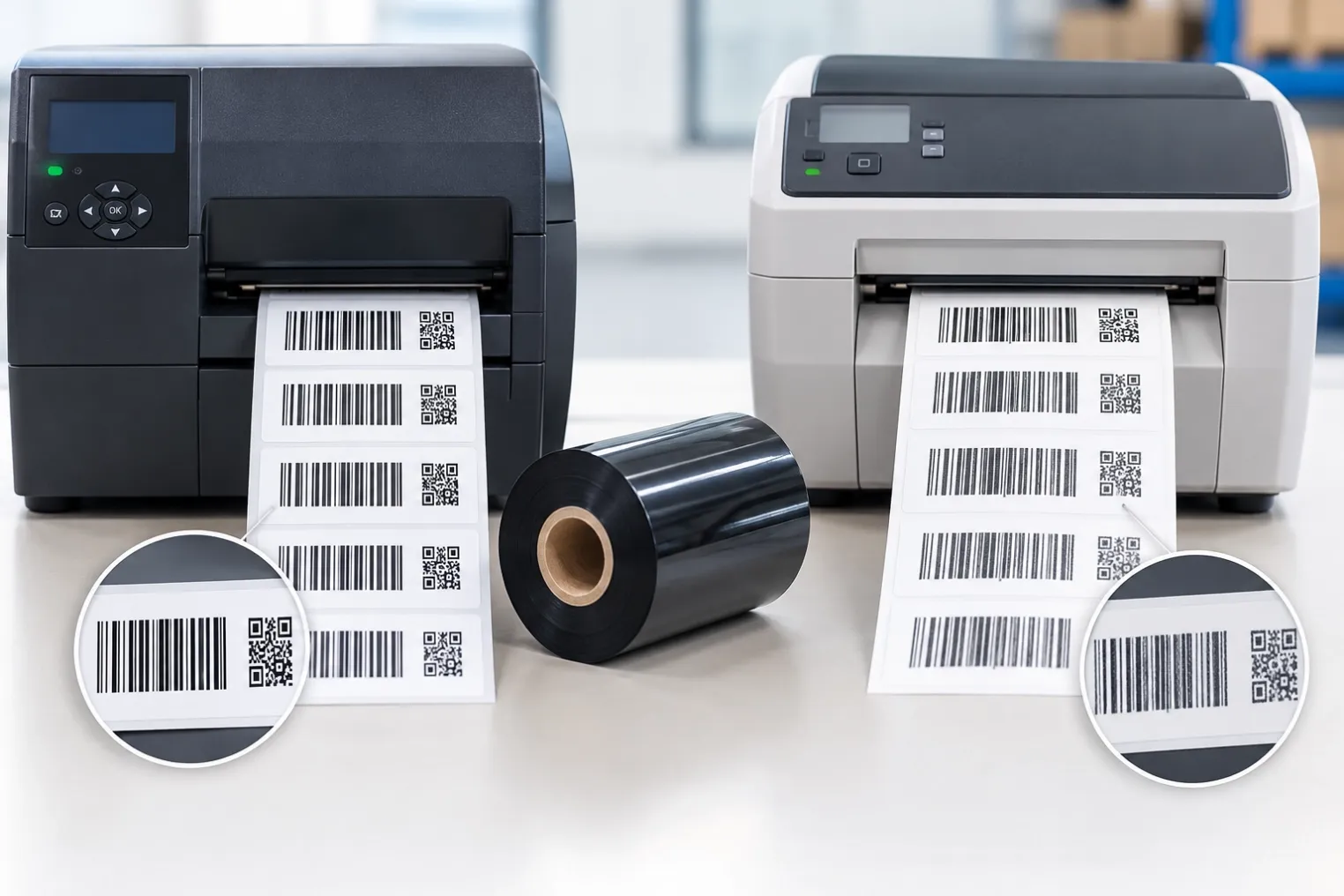
You’ve invested in a high-speed TTO (Thermal Transfer Overprinter) for your packaging line. But when you load a standard ribbon, the prints come out faint, smudged, or completely blank. What went wrong?
The answer is simple: you used the wrong ribbon type.
Thermal transfer printers use two fundamentally different printhead technologies: flat-head and near-edge (also called corner-edge). Each requires a specifically formulated ribbon. Mixing them up leads to poor print quality, wasted materials, and even printhead damage.
In this guide, I’ll explain the critical differences between near-edge and flat-press ribbons, why they can’t be swapped, and how to choose the right one for your TTO printer. For a general introduction to ribbon types, see our guide to choosing thermal transfer ribbons.
1. What Is a Flat-Head Printer?
Flat-head is the traditional technology found in approximately 90% of desktop and industrial label printers. Common brands include Zebra, Datamax, Honeywell, TSC, and SATO desktop models.
How It Works
The printhead lies flat against the ribbon and label. The heating elements are located in the centre of the printhead. The ribbon and label stay in contact for a brief distance after the heat is applied, allowing the ink a fraction of a second to cool and bond to the substrate before the ribbon is peeled away.
Key Characteristics
Feature | Specification |
|---|---|
Print speed | Moderate – typically up to 12–14 inches per second (IPS), with some reaching 20 IPS |
Resolution | 200 to 600 DPI, up to 1200 DPI in some cases |
Ribbon compatibility | Wide range – Wax, Wax/Resin, and Resin |
Print quality | Very sharp, high precision for barcodes and text |
Cost | Printers and replacement heads are less expensive |
Common Applications
- Logistics and warehousing labels
- Retail price tags and shelf labels
- General-purpose barcode printing on paper and synthetic labels
2. What Is a Near-Edge (TTO) Printer?
Near-edge technology is designed for speed. It is commonly found in TTO (Thermal Transfer Overprinters) used in flexible packaging for food, pharmaceuticals, and consumer goods. Common brands include Markem-Imaje SmartDate, Videojet DataFlex, Domino, and Toshiba TEC.
How It Works
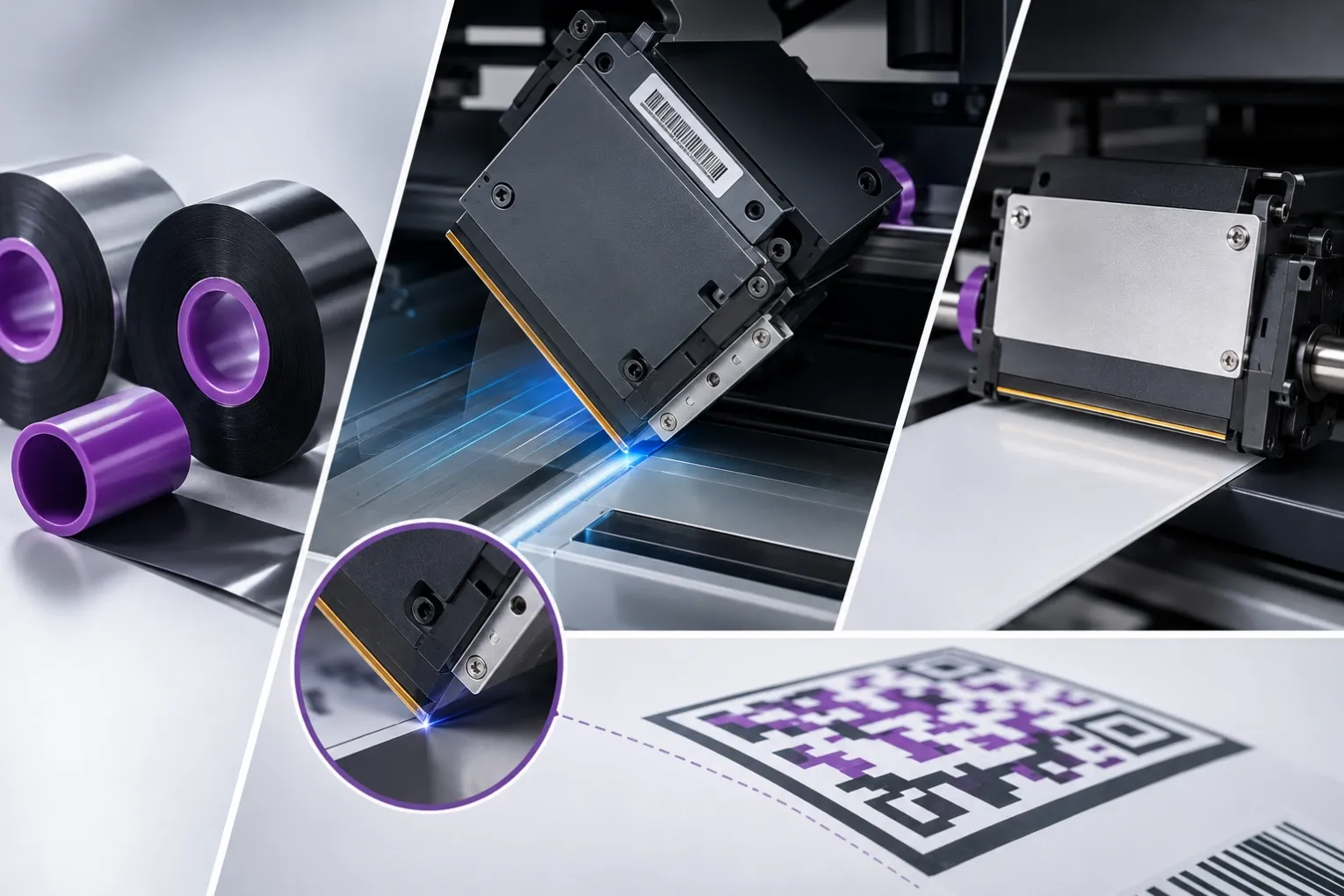
The printhead is angled at approximately 45 degrees with the heating elements located at the very edge (corner) of the ceramic. The ribbon and the flexible packaging film touch the heat and separate instantly – there is zero cooling time. Inline printers (TTO) are solely produced with near-edge printheads due to their higher printing speeds.
Key Characteristics
Feature | Specification |
|---|---|
Print speed | High – speeds over 26 IPS are the norm, with some combinations reaching up to 55 IPS |
Resolution | Typically 200 to 300 DPI |
Ribbon compatibility | Restricted – Near-Edge Wax/Resin or Resin only |
Print quality | Good quality, but less precise on very fine details compared to flat-head |
Cost | Printers are typically more expensive |
Common Applications
- Printing expiration dates, batch codes, and barcodes directly onto flexible packaging films
- Food packaging (snack bags, flow-wrappers)
- Pharmaceutical packaging (medical pouches, Tyvek)
- Beverage and consumer goods packaging
3. The Critical Difference: Ink Release Time
This is the most important concept to understand.
Flat-head ribbons are designed to melt and stay semi‑molten for a moment to transfer onto the substrate. The longer contact time gives the ink time to cool and bond.
Near-edge ribbons must melt and release instantly. Because the ribbon is peeled away immediately after heating, the ink must transfer completely in a fraction of a second.
Why You Can’t Swap Ribbons
If you load a standard flat-head ribbon into a near-edge printer, the ink will not transfer. Because the ribbon is peeled away immediately, the standard ink polymer does not have time to release from its PET carrier. You will get:
- ❌ Blank prints or faint grey smudges
- ❌ Ribbon snapping and frequent downtime
- ❌ Potential printhead damage
Conversely, using a near-edge ribbon on a flat-head printer is also not recommended – the ink releases too quickly and may not bond properly to the substrate.
💡 The golden rule: Always match your ribbon to your printer’s printhead technology. A near-edge printer requires a near-edge ribbon. A flat-head printer requires a flat-head ribbon.
4. Comparison Table – At a Glance
Feature | Flat-Head Printers | Near-Edge (TTO) Printers |
|---|---|---|
Common Brands | Zebra, Datamax, Honeywell, TSC | Markem-Imaje, Videojet, Domino, Toshiba |
Printhead Design | Flat, heating elements in centre | Angled 45°, heating elements at edge |
Ribbon Contact | Longer contact, slow release | Instant contact, instant release |
Max Speed | ~12–14 IPS (up to 20 IPS) | ~40 IPS (up to 55 IPS) |
Resolution | Up to 600 DPI (1200 DPI possible) | 200–300 DPI |
Ribbon Types | Wax, Wax/Resin, Resin | Near-Edge Wax/Resin, Near-Edge Resin |
Print Quality | Very sharp, high precision | Good, but less precise on fine details |
Relative Cost | Lower | Higher |
5. Ribbon Selection Guide for TTO Printers
If you operate a TTO printer, here’s how to choose the right near-edge ribbon. For a deeper dive into resin-based options, see our resin ribbon product page.
Step 1: Confirm Your Printer Type
Check your printer model. If it’s a Markem-Imaje SmartDate, Videojet DataFlex, Domino Vx Series, or similar TTO machine, you need near-edge ribbon.
Step 2: Choose the Right Ribbon Formulation
Ribbon Type | Best for | Speed | Durability |
|---|---|---|---|
Near-Edge Wax/Resin | High-speed printing on flexible films (BOPP, PE, PP) | Up to 600mm/s | Medium |
Near-Edge Resin | Maximum durability, chemical resistance, harsh environments | Up to 400mm/s | High |
Decision guide:
- ✅ Need high speed (>400mm/s) + good print quality? → Near-Edge Wax/Resin
- ✅ Need extreme durability + chemical resistance? → Near-Edge Resin
Step 3: Match Ribbon Width to Print Area
Always choose a ribbon slightly wider than your print area. This helps avoid direct contact between the printhead and the media, extending printhead life. A good rule is to select a ribbon at least 0.5 inches (12–13mm) wider than your label.
Step 4: Consider Your Substrate
Surface Type | Recommended Ribbon |
|---|---|
Paper | Near-Edge Wax or Wax/Resin |
Polypropylene (BOPP), PET, PE | Near-Edge Wax/Resin or Resin |
Tyvek, Nylon, Foils | Near-Edge Resin |
Step 5: Check Printer Specifications
- Ribbon width: Ensure it matches your printhead width
- Winding type: Inside or outside wound – check your printer manual
- Core size: Most TTO printers use 1-inch cores
6. Common Mistakes to Avoid ❌
Mistake | Consequence |
|---|---|
Using standard flat-head ribbon on TTO printer | Ink won't transfer – blank prints, downtime |
Using near-edge ribbon on flat-head printer | Ink releases too quickly, poor adhesion |
Choosing ribbon narrower than print area | Printhead contacts substrate directly, accelerates wear |
Ignoring substrate compatibility | Poor adhesion, smudging, fading |
Not checking winding direction | Ribbon jams, printer damage |
✅ Always verify your printer model, ribbon type, and substrate before ordering.
7. How to Extend Printhead Life in TTO Printers
- Use the correct ribbon – Near-edge ribbons are formulated to protect the angled printhead. For standard printers, our wax/resin ribbon guide covers similar care principles.
- Choose anti-static ribbons – Reduces dust attraction and printhead pollution
- Set the lowest possible heat – Use the most sensitive ribbon and lowest heat settings that ensure optimal performance
- Keep ribbon wider than substrate – Prevents direct printhead contact with the substrate
8. Conclusion & Next Steps 🎯
- Flat-head printers (Zebra, Honeywell, TSC) use standard Wax, Wax/Resin, or Resin ribbons.
- Near-edge TTO printers (Markem-Imaje, Videojet, Domino) require specialised near-edge ribbons.
- You cannot swap ribbons between the two technologies – the ink release chemistry is fundamentally different.
- Choose the right formulation (Wax/Resin or Resin) based on your speed and durability requirements.
- Always select a ribbon slightly wider than your print area to protect the printhead.
Need near-edge ribbon for your TTO printer? We offer high-quality near-edge ribbons compatible with all major TTO brands. For standard printing needs, explore our full range of thermal transfer ribbons. Send us your printer model, substrate type, and speed requirements – we'll recommend the right ribbon and send a free sample for you to test.