Jul 2, 2026Applications
How an E‑Commerce Warehouse Boosted Scan Efficiency with Scratch‑Resistant PET Labels
A busy e‑commerce warehouse had 12% unreadable barcodes due to scratched labels. Switching to scratch‑resistant PET labels improved scan rates to 99.5%.
How an E‑Commerce Warehouse Boosted Scan Efficiency with Scratch‑Resistant PET Labels
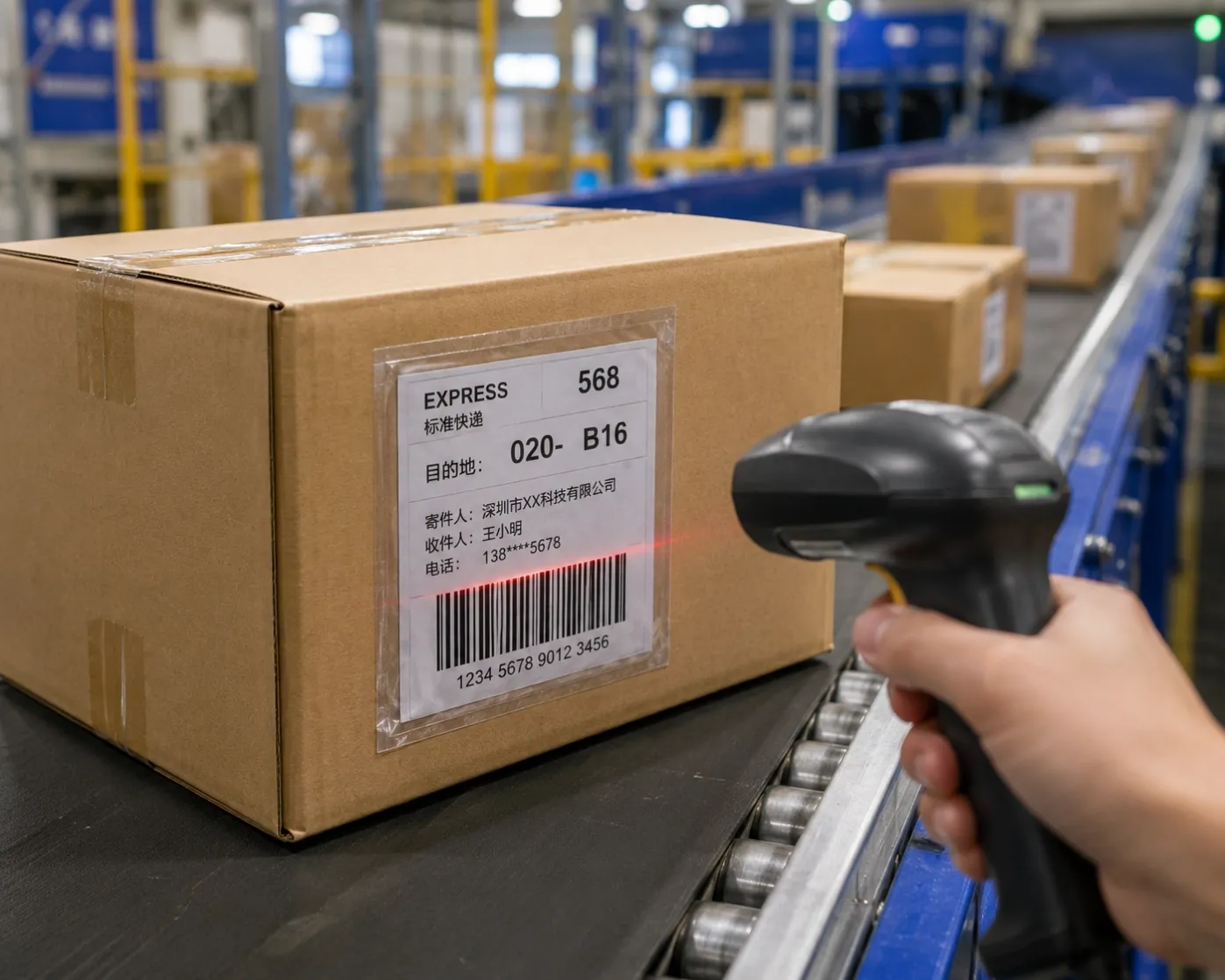
📦 A fast‑growing e‑commerce fulfilment centre in the UK was processing over 50,000 orders per day. Their warehouse management system (WMS) relied on barcode scanning at every stage: receiving, put‑away, picking, packing, and shipping.
But they had a problem: 12% of barcodes were unreadable on the first scan. This caused delays, manual data entry, mis‑picks, and frustrated customers.
The root cause? Scratched and smudged labels – standard paper labels with wax ribbon printing were not surviving the harsh warehouse environment.
This case study shows how they solved the problem by switching to scratch‑resistant PET labels with resin ribbon – and boosted first‑scan rate to 99.5%.
1. The Warehouse Environment – A Label Killer 🏭
E‑commerce warehouses are tough on labels:
- ❌ Conveyor belts – labels rub against belts, rollers, and other packages.
- ❌ Handling – workers grab, push, and slide boxes across surfaces.
- ❌ Forklifts and pallet jacks – labels can be scraped during transport.
- ❌ Dust and debris – cardboard particles and dust settle on labels.
- ❌ Humidity changes – warehouses are not climate‑controlled.
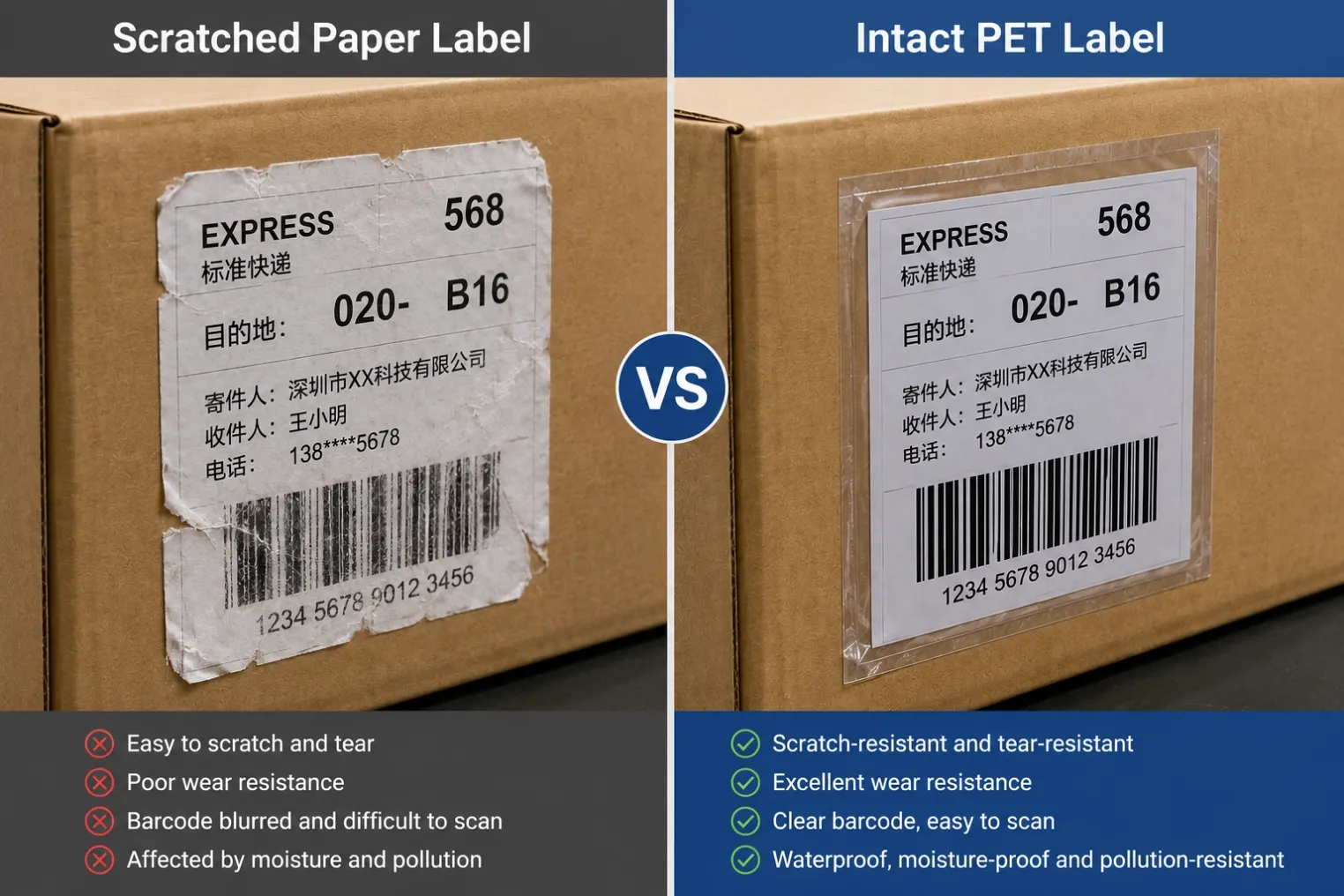
The warehouse had been using paper labels with wax ribbon printing. Paper is soft and absorbs scratches. Wax ribbon sits on the surface and can be wiped off with light friction.
Result: Scratches, smudges, and faded barcodes – scanners could not read them reliably.
2. The Cost of Unreadable Barcodes 💰
A 12% first‑scan failure rate might not sound catastrophic, but in a 50,000‑order‑per‑day warehouse, it meant:
- 6,000 orders per day required manual intervention.
- Manual keying of barcode numbers – slow and error‑prone.
- Delays – packages missed shipping cut‑offs.
- Mis‑picks – wrong items sent to customers.
- Returns and complaints – customer satisfaction dropped.
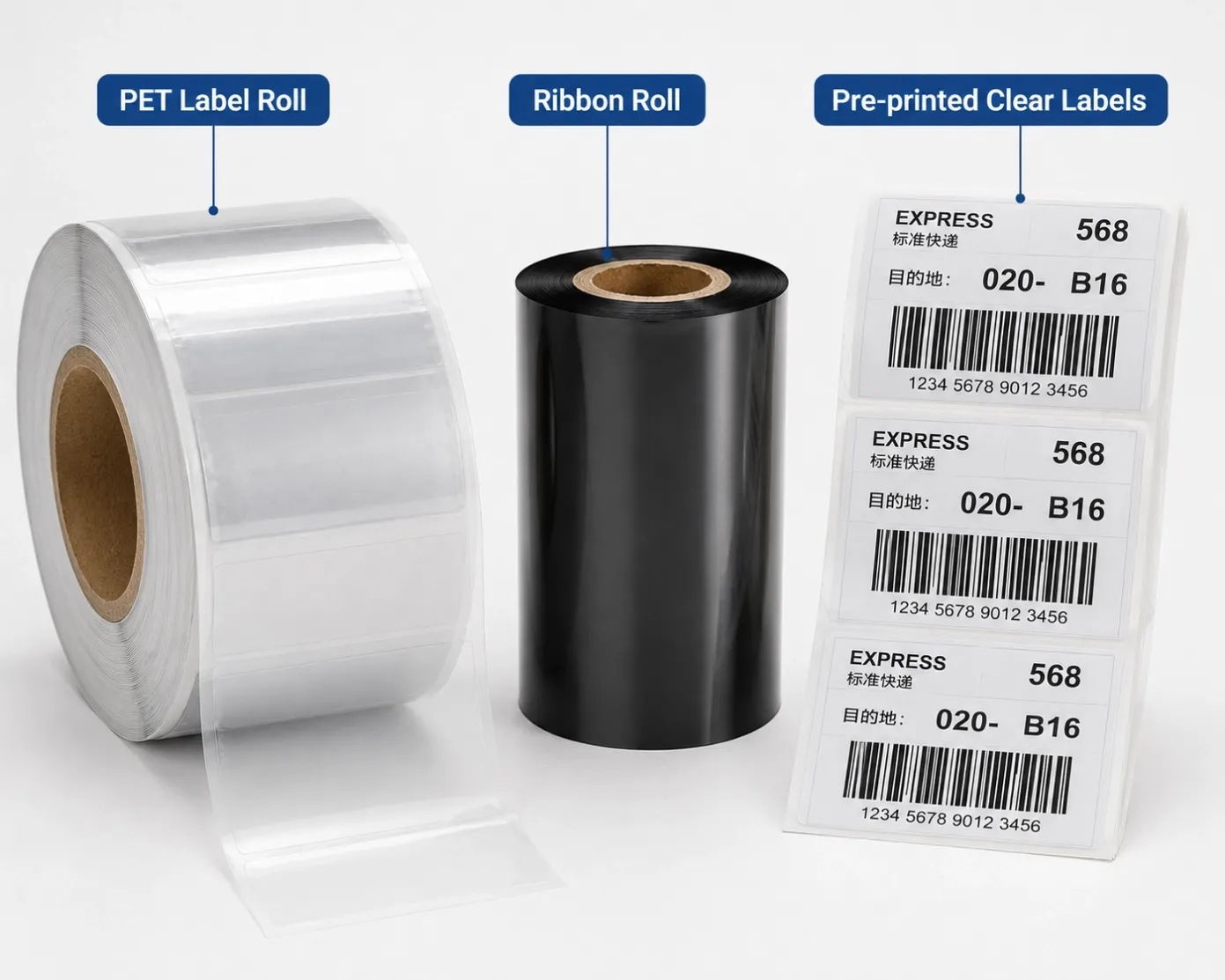
Annual cost estimate:
Cost Factor | Annual Impact |
|---|---|
Manual re‑scanning labour | $35,000 |
Overtime to meet shipping deadlines | $22,000 |
Mis‑picks and returns | $18,000 |
Lost customer trust | Incalculable |
Total direct cost | ~$75,000 |
The warehouse manager knew they needed a better label.
3. The Solution – Scratch‑Resistant PET Labels 🛡️
The warehouse switched to:
Component | Previous | New |
|---|---|---|
Label material | Paper | White PET (polyester) |
Thickness | 80µm paper | 50µm PET (thinner but stronger) |
Ribbon | Wax | Wax/Resin (for improved scratch resistance) |
Adhesive | Standard acrylic | Permanent acrylic (stronger bond) |
Why PET works:
- ✅ Hard, durable surface – resists scratches from conveyor belts and handling.
- ✅ Smooth finish – barcodes print with higher contrast and sharper edges.
- ✅ Tear‑resistant – does not rip or tear like paper.
- ✅ Water‑ and oil‑resistant – survives moisture and grease.
The warehouse also upgraded to our wax/resin ribbon, which is more scratch‑resistant than standard wax and works perfectly with PET labels.
4. The Results – Before and After 📊
The warehouse ran a 30‑day pilot on one picking line before rolling out across all operations.
Metric | Before (Paper + Wax) | After (PET + Wax/Resin) |
|---|---|---|
First‑scan success rate | 88% | 99.5% |
Manual data entry time | 4 hours/day | 15 minutes/day |
Mis‑picks per week | 45 | 3 |
Order cut‑off misses | 5× per week | 0× |
Label replacement cost | $2,500/month | $800/month |
Worker frustration rating | High | Low |
Overall improvement: The warehouse reduced scanning‑related delays by 90% and saved over $60,000 per year in labour and rework costs.
Quote from the Warehouse Manager: “We went from dreading the scanner gun to trusting it. PET labels eliminated our biggest bottleneck.”
5. Why Scanners Prefer PET Labels 🔍
Barcode scanners rely on contrast and edge definition.
Paper labels
- Soft surface absorbs ink unevenly.
- Scratches create white lines across barcodes.
- Wax ribbon sits on the surface and smears.
PET labels
- Smooth, hard surface gives sharp edges.
- Scratches are shallower and do not break the barcode pattern.
- Wax/resin or resin ribbon bonds to the surface – does not smear.
Result: Scanners read PET labels faster and more reliably – even on the first pass.
6. Implementation Tips for Other Warehouses 🛠️
If you are considering switching to PET labels, follow these steps:
Step 1 – Test with your existing printers
Most thermal transfer printers (Zebra, Honeywell, Sato) can print on PET labels. However:
- You may need to increase darkness (20–25%).
- You may need to reduce speed (4–6 ips).
Step 2 – Use the right ribbon
- Paper + wax – cheap, but not durable.
- PET + wax/resin – good balance for most warehouses.
- PET + resin – for extreme conditions (outdoor, chemicals).
Step 3 – Test with real conditions
- Print 100 labels, apply them to boxes.
- Run them through your conveyor system.
- Scan them – measure first‑pass success rate.
Step 4 – Train staff
- Apply labels to clean, dry surfaces.
- Press firmly for 3–5 seconds.
- Do not apply over seams or edges of boxes.
7. Common Mistakes to Avoid ❌
Mistake | Consequence |
|---|---|
Using wax ribbon on PET | Print smears, rubs off |
Applying labels to dusty boxes | Labels lift, fall off |
Printing at wrong darkness | Barcode too light or too dark |
Using PET labels with desktop printer | May not have enough energy for PET |
Skipping pilot test | Full rollout fails – costly |
8. Conclusion & Next Steps 🏁
This e‑commerce warehouse case study shows that:
- Paper labels with wax ribbon are not suitable for high‑speed warehouse environments.
- PET labels with wax/resin ribbon provide scratch resistance, durability, and high contrast.
- Switching improved first‑scan success from 88% to 99.5% – saving over $60,000 per year.
Does your warehouse need faster scanning? We offer free samples of scratch‑resistant PET labels and matching wax/resin ribbon. Send us your printer model and conveyor speed – we will help you select the right combination and send samples for you to test.